
At Treatwell, we know everything is better shared, and it's no different for your favourite salons. That's why we've made it really easy to share those eye-catching salons with your nearest and dearest, so everyone can benefit from their services.
How can I share my favourite salons with my friends?
You can share the salon by clicking on the salon's page, then clicking the share icon in the top right-hand corner.
What's more, you can keep all of them in the same place with our "Favourites" feature, so you can carry on booking your most-loved salons time and time again.
How can I save a salon to my favourites?
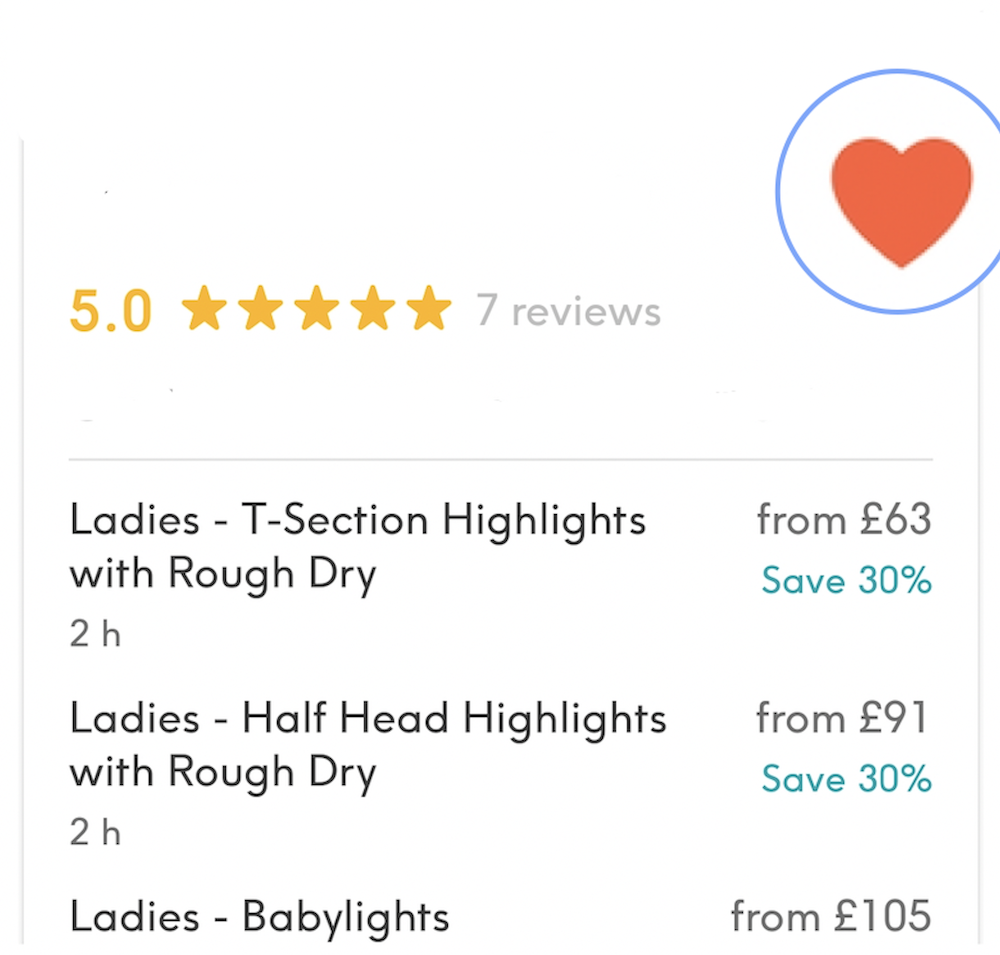
The next time a salon catches your attention, and you'd like to save it, all you need to do is click on the heart icon at the right of its name. This will add it to your "Favourites" list, which you can reach at any time from the bottom tab of your Treatwell app.
Was this article helpful?